Build Enemy Chase AI with Pathfinding in Roblox Studio
Make AshKnight find a living player within 40 studs, navigate around obstacles, and stop at a 6-stud attack distance.
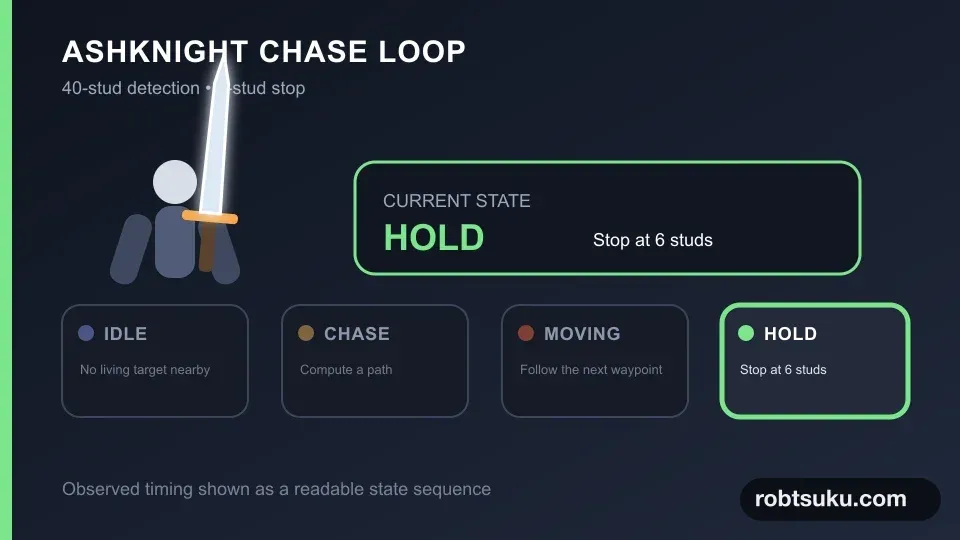
Turn the TrainingDummy from project step 2 into AshKnight, an enemy that selects a nearby living player on the server. It will start chasing within 40 studs, route around a wall, and stop at 6 studs without attacking yet.
1. Prepare AshKnight and an obstacle
Rename TrainingDummy to AshKnight. Set its Humanoid.MaxHealth and Humanoid.Health to 150, set WalkSpeed to 10, and turn off HumanoidRootPart.Anchored. Move the rig so its feet rest on the floor and its root is roughly three studs above the surface.
Select the TestWall parked beside the lane in project step 2 and rename it PathfindingObstacle; do not add a second wall. Set Size to 12, 7, 2, set Position to 0, 3.5, 1, and enable Anchored and CanCollide. It now blocks the direct route between AshKnight and CombatSpawn, making the computed path bend to one side.
Tip — The navigation mesh is the AI’s walkable map
Studio derives walkable surfaces from floors, walls, and steps. A path configured for an agent with a two-stud radius and five-stud height produces waypoints that fit AshKnight’s body.
2. Select the nearest living player on the server
Add a Script under AshKnight, name it AshKnightServer, and use this code:
local PathfindingService = game:GetService("PathfindingService")
local Players = game:GetService("Players")

local npc = script.Parent
local humanoid = npc:WaitForChild("Humanoid")
local root = npc:WaitForChild("HumanoidRootPart")

local DETECTION_RANGE = 40
local STOP_DISTANCE = 6
local STOP_TOLERANCE = 0.35
local REPATH_DELAY = 0.2

for _, item in npc:GetDescendants() do
	if item:IsA("BasePart") and not item.Anchored then
		item:SetNetworkOwner(nil)
	end
end

local function setState(state, targetName, distance)
	npc:SetAttribute("AIState", state)
	npc:SetAttribute("TargetName", targetName or "")
	npc:SetAttribute("TargetDistance", distance or -1)
end

local function nearestTarget()
	local nearest
	local nearestDistance = DETECTION_RANGE

	for _, player in Players:GetPlayers() do
		local character = player.Character
		local targetHumanoid = character
			and character:FindFirstChildOfClass("Humanoid")
		local targetRoot = character
			and character:FindFirstChild("HumanoidRootPart")

		if targetHumanoid and targetHumanoid.Health > 0 and targetRoot then
			local distance = (targetRoot.Position - root.Position).Magnitude
			if distance <= nearestDistance then
				nearest = character
				nearestDistance = distance
			end
		end
	end
	return nearest, nearestDistance
end

local function nextWaypoint(targetPosition)
	local path = PathfindingService:CreatePath({
		AgentRadius = 2,
		AgentHeight = 5,
		AgentCanJump = false,
		WaypointSpacing = 4,
	})

	local ok = pcall(function()
		path:ComputeAsync(root.Position, targetPosition)
	end)
	if not ok or path.Status ~= Enum.PathStatus.Success then
		npc:SetAttribute("PathStatus", "NO_PATH")
		return nil
	end

	npc:SetAttribute("PathStatus", "SUCCESS")
	path.Blocked:Once(function()
		npc:SetAttribute("PathStatus", "BLOCKED_REPATH")
		humanoid:MoveTo(root.Position)
	end)

	local waypoints = path:GetWaypoints()
	return waypoints[2] and waypoints[2].Position or targetPosition
end

setState("IDLE")

while humanoid.Health > 0 do
	local target, distance = nearestTarget()
	if not target then
		setState("IDLE")
		npc:SetAttribute("MoveStatus", "HOLD")
		humanoid.WalkSpeed = 0
		humanoid:MoveTo(root.Position)
		task.wait(REPATH_DELAY)
		continue
	end

	local targetRoot = target:FindFirstChild("HumanoidRootPart")
	if not targetRoot then
		task.wait(REPATH_DELAY)
		continue
	end

	if distance <= STOP_DISTANCE + STOP_TOLERANCE then
		setState("CHASE", target.Name, distance)
		npc:SetAttribute("MoveStatus", "HOLD")
		humanoid.WalkSpeed = 0
		root.AssemblyLinearVelocity = Vector3.zero
		humanoid:MoveTo(root.Position)
		task.wait(REPATH_DELAY)
		continue
	end

	setState("CHASE", target.Name, distance)
	humanoid.WalkSpeed = 10
	local offset = targetRoot.Position - root.Position
	local desired = targetRoot.Position
		- offset.Unit * (STOP_DISTANCE - 1)
	local waypoint = nextWaypoint(desired)

	if waypoint then
		npc:SetAttribute("MoveStatus", "MOVING")
		humanoid:MoveTo(waypoint)
	else
		npc:SetAttribute("MoveStatus", "NO_PATH")
		humanoid:MoveTo(root.Position)
	end
	task.wait(REPATH_DELAY)
end
SetNetworkOwner(nil) keeps the NPC’s physics under server ownership. Target selection also stays on the server: no client supplies a target name, NPC position, or success state.
Tip — A waypoint is the next checkpoint on a path
GetWaypoints()returns the route’s corners in order. This loop moves toward the second point, waits0.2seconds, and computes again from the latest player position.
If Path.Blocked fires, AshKnight stops. The next loop iteration computes a new route instead of continuing to push toward an obsolete waypoint.
Make decisions observable with attributes
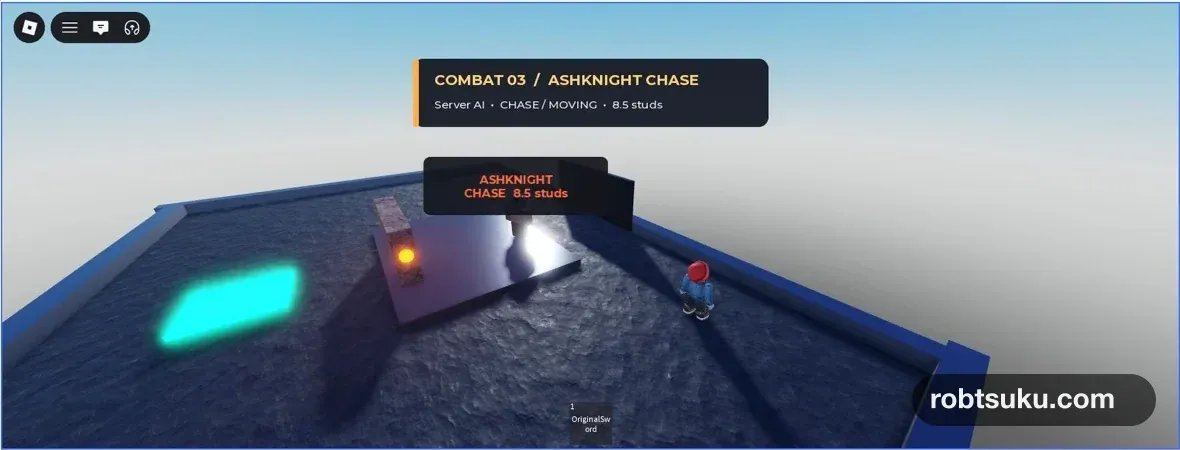
AIState, MoveStatus, and PathStatus expose the current server decision in Explorer. No target produces IDLE / HOLD; an active route produces CHASE / MOVING; reaching the distance produces CHASE / HOLD; and a successful computation sets PathStatus to SUCCESS.
Attributes do not move the rig. Humanoid:MoveTo() and WalkSpeed change the physical behavior, while the attributes make the reason visible. That separation lets you distinguish “no target,” “already close enough,” and “no path” when the enemy appears stationary.
nearestTarget() rereads Players every loop and accepts only Characters whose Humanoid health is above zero. In a multi-client test it selects the nearest living Character rather than hard-coding a Player name. The final game can still use a one-player server; the broader check prevents state from being attached to the wrong client.
3. Aim short of the player’s center
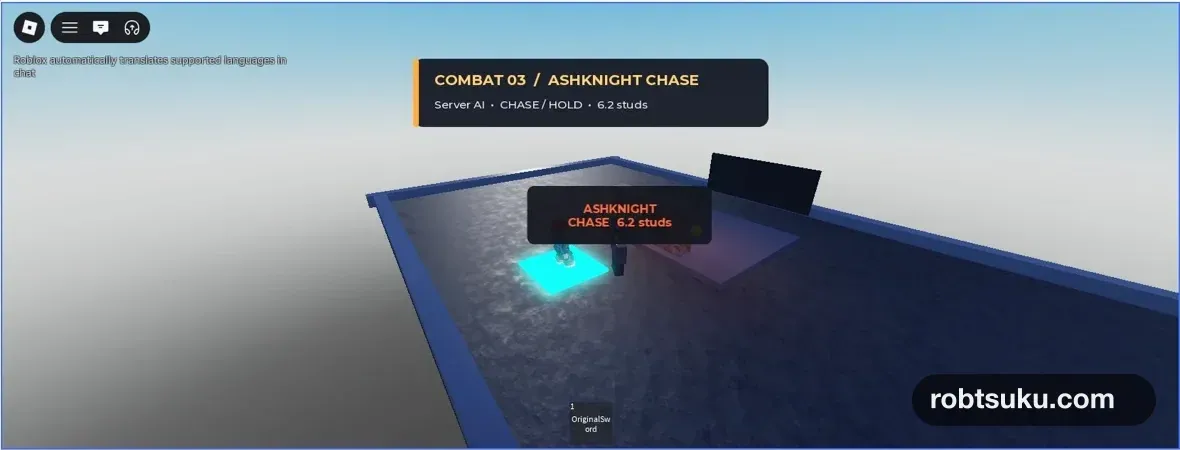
A path ending at the player’s root would make the rigs collide. desired stays STOP_DISTANCE - 1 studs short of that center. Once the measured distance is no more than 6.35, the code sets speed to zero. The settled value should be close to six studs.
Tip — Repath means recomputing for a moving target
A player can leave the first destination immediately.
REPATH_DELAY = 0.2allows at most five computations per second instead of running an expensive path query every frame.
4. Check chase, hold, and no target
Start Play and enter the 40-stud detection range. AshKnight should choose a side of the obstacle instead of walking into its center.
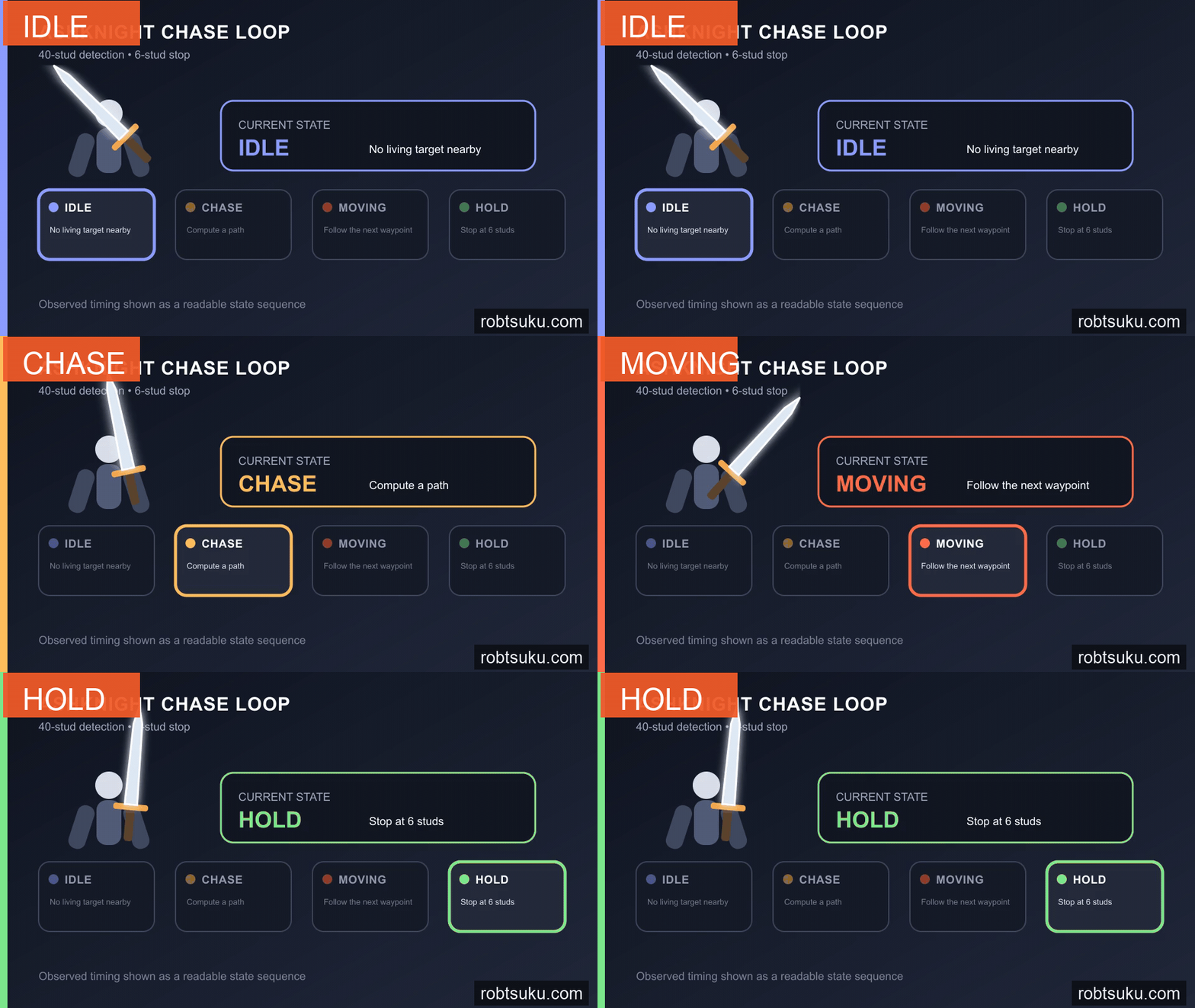
Wait for the enemy to settle without overlapping the avatar.
Move beyond 40 studs or reset the character so its health reaches zero. AIState should become IDLE, MoveStatus should become HOLD, and the enemy should remain in place.
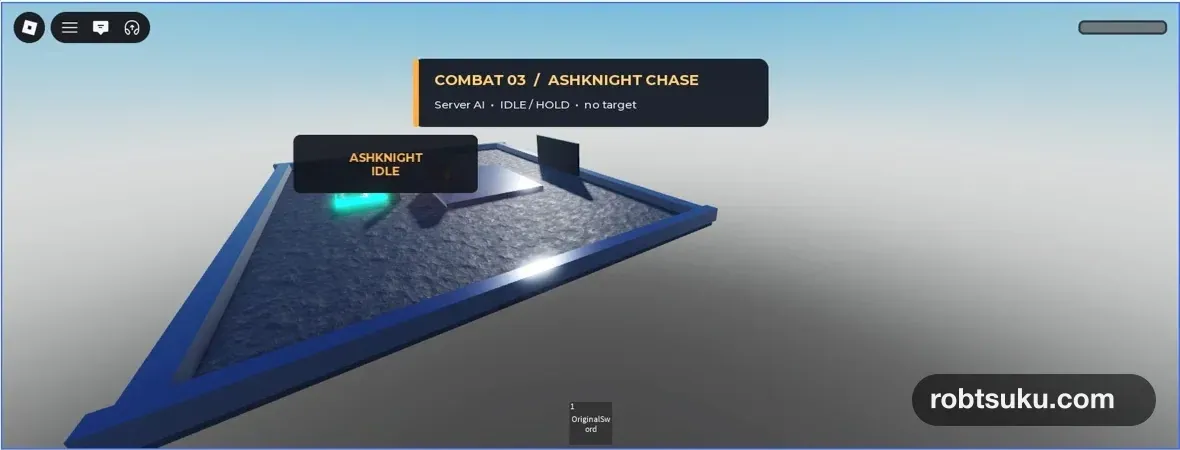
If the enemy jitters at the stopping boundary, restore STOP_TOLERANCE and make sure the hold branch does not leave WalkSpeed at 10. If it keeps pressing into a new wall, check the Path.Blocked connection and the REPATH_DELAY wait.
If PathStatus remains NO_PATH, confirm that the floor and obstacle keep CanCollide enabled and that the rig is not buried in the floor. Leave enough space between the wall and arena edge for a two-stud-radius agent. Move the obstacle inward by one or two studs and test again. Detection uses straight-line root distance, not total path length, so TargetDistance must cross 40 before AIState changes.
Return AshKnight to its six-stud hold state before saving.
AshKnight can now reach attack range under server authority. The next step will begin an obvious 0.8-second windup at that distance and deal 35 damage only after the warning.