Place and move
Learn the Studio interface and build a three-stage course with Parts.
Roblox Studio beginner course · 9 lessons
Start with an empty Baseplate and finish a three-stage obby. Each beginner-friendly lesson adds one visible result on the way to a complete game you can share with friends.
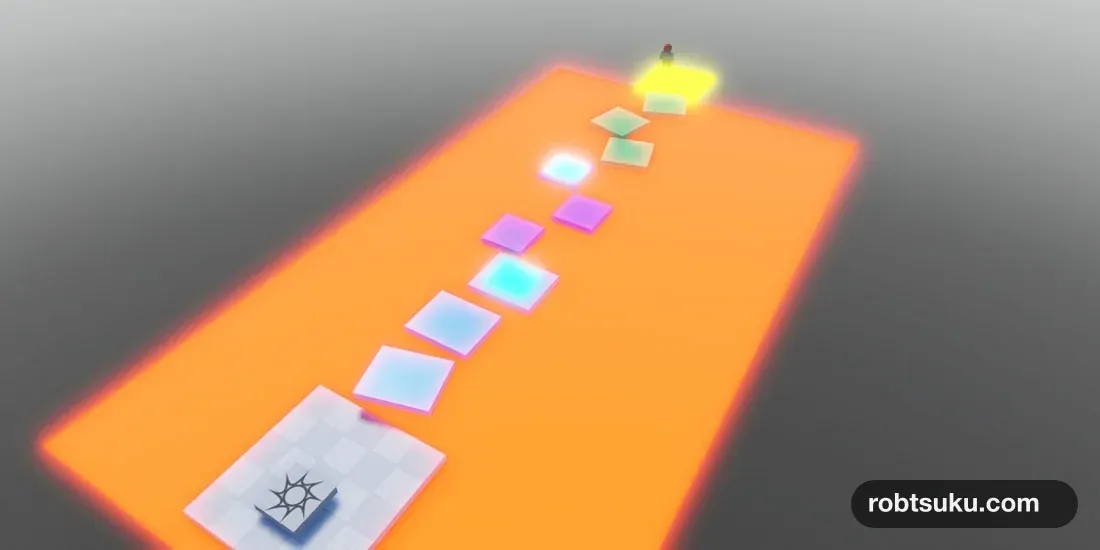
GOAL Play your own course from start to finish
What you will build
Learn Parts, add a lava script and checkpoints, build a goal, and publish privately. Every lesson ends with something you can see and test.
Learn the Studio interface and build a three-stage course with Parts.
Write short Luau scripts and test working lava and checkpoints.
Play through the complete obby, publish it privately, and prepare to share it.
Free course scope: Building and private publishing use no Robux or paid assets. Friend sharing is covered when the current Roblox requirements are met.
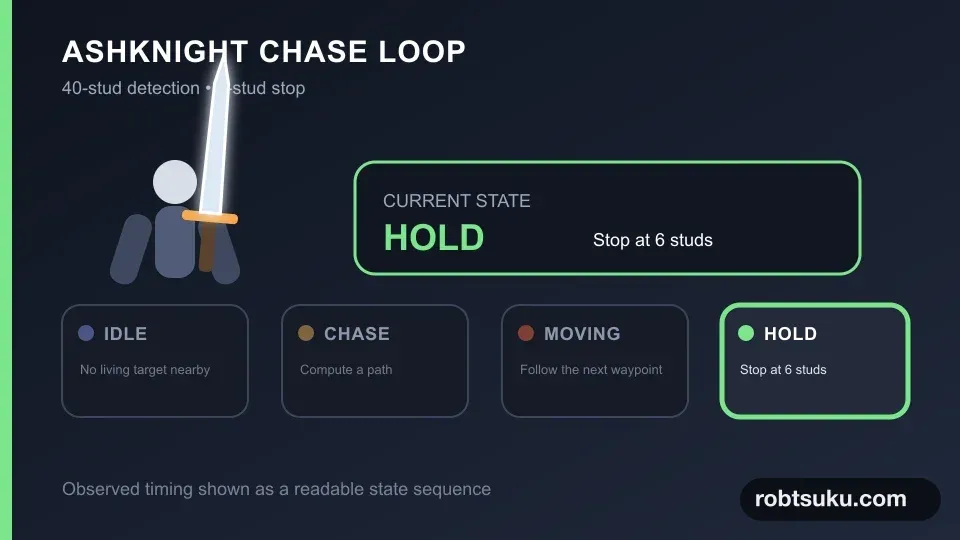 PROJECT 03 / 11
Intermediate project · 11 steps
Use your Blender sword to build attacks, enemy pathfinding, lock-on, dodging, stamina, and a second boss phase in an intermediate one-on-one combat project.
Choose a feature
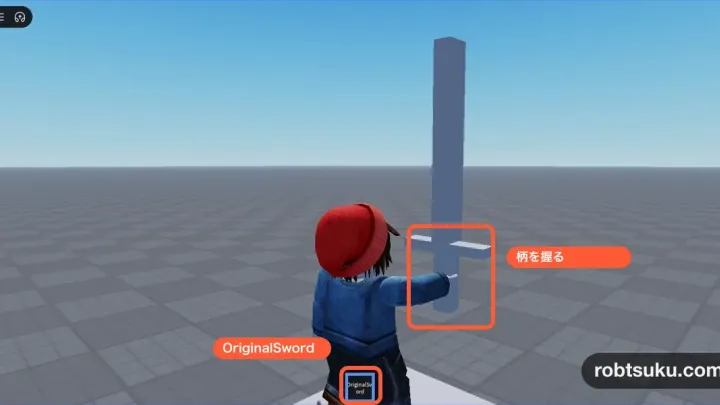
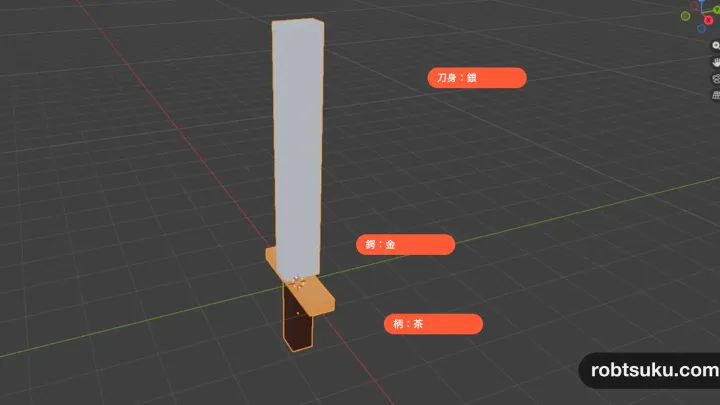
Build a low-poly sword from three cubes in Blender, import it through FBX, and equip it as an OriginalSword Tool with the grip in the right place.
Build this featureUV unwrap a sword, paint its blade silver, guard gold, and grip brown, then import the textured Handle into Roblox Studio.
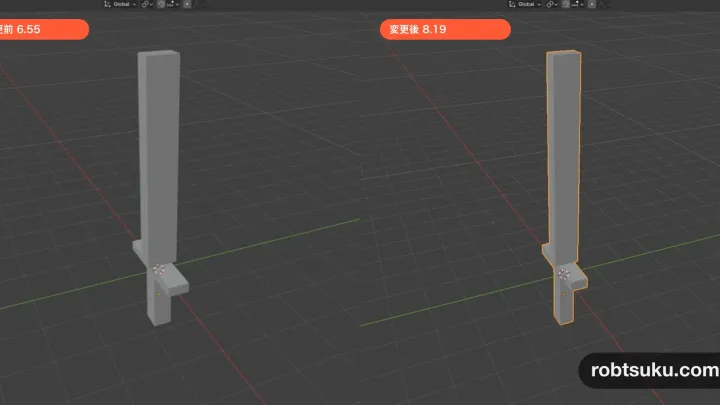
Build this featureMake a Blender sword longer, export over the same FBX, and update its existing Handle without rebuilding the OriginalSword Tool.
Build this featureYour first Roblox game
Beginner course 1 / 9
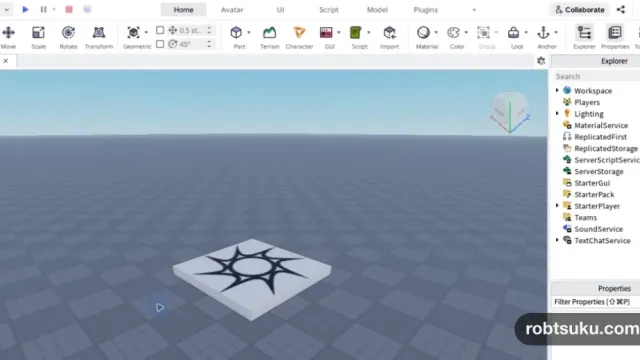
Get Roblox Studio ready, open the Baseplate template, learn what the 3D viewport, Explorer, and Properties do, then play and stop your game.
Read this lessonBeginner course 2 / 9
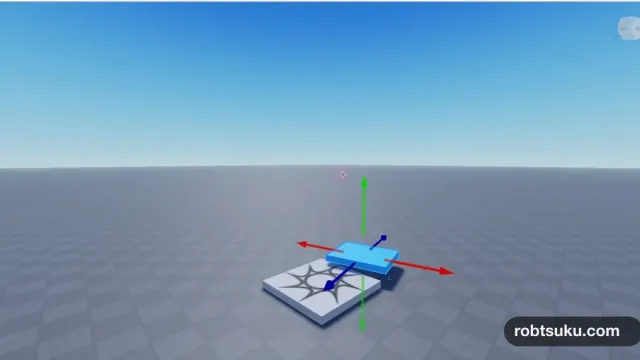
Add a Part in Roblox Studio, shape it with Move, Scale, and Rotate, then anchor it in the air to make your first platform.
Read this lessonBeginner course 3 / 9
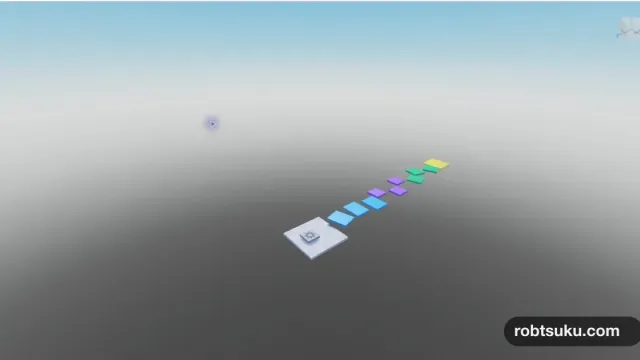
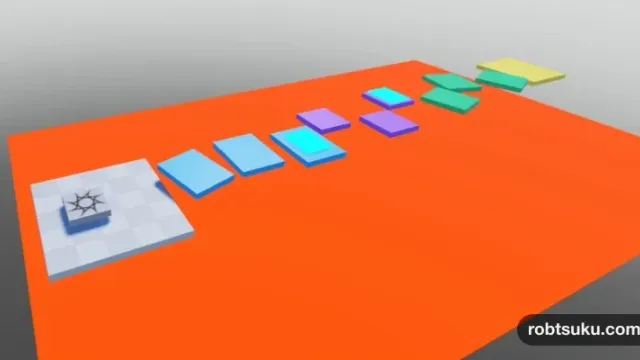
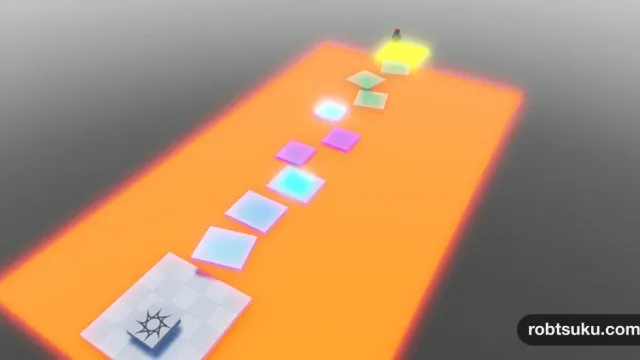
Duplicate your first platform, build three stages with different colors, sizes, and angles, add a temporary goal, and organize the course in Explorer.
Read this lessonBeginner course 4 / 9
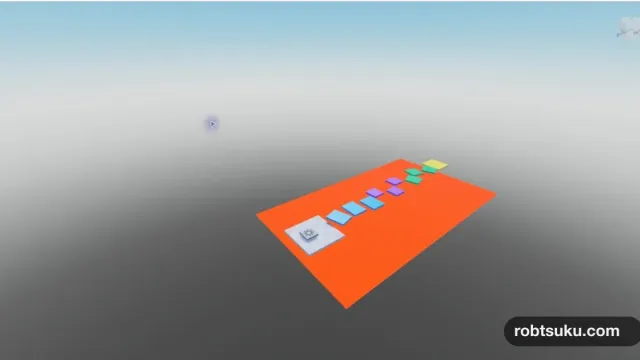
Add a lava floor beneath your three-stage obby, then use the Touched event and Humanoid to respawn any character that falls onto it.
Read this lessonBeginner course 5 / 9
Use two SpawnLocations and a short Luau Script so players restart from the last checkpoint they touched after falling into the lava.
Read this lessonBeginner course 6 / 9
Add a GOAL sign to the yellow platform with SurfaceGui and TextLabel, then test your complete three-stage obby from start to finish.
Read this lessonBeginner course 7 / 9
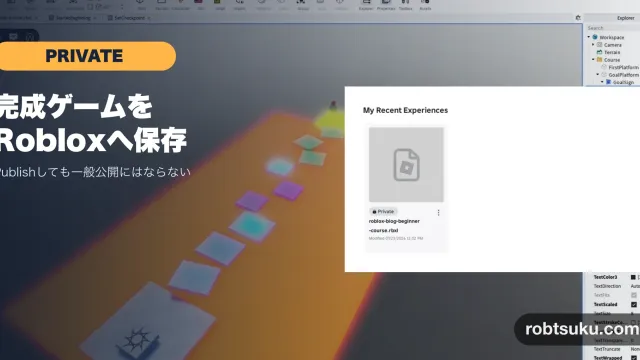
Publish your completed three-stage obby to Roblox as a Private experience, reopen it from the cloud, and confirm that the latest GOAL is still there.
Read this lessonBeginner course 8 / 9
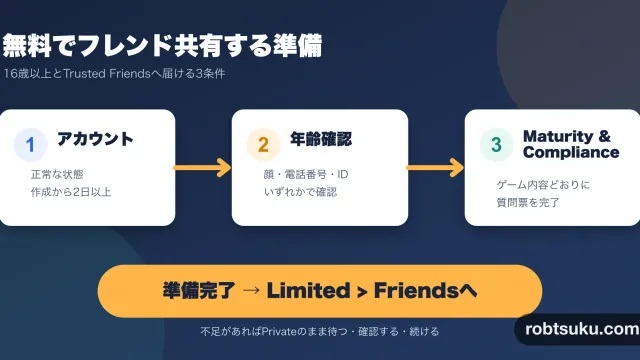
Check the account, age verification, and Maturity & Compliance requirements for sharing a Private Roblox game with eligible friends at no cost.
Read this lessonBeginner course 9 / 9
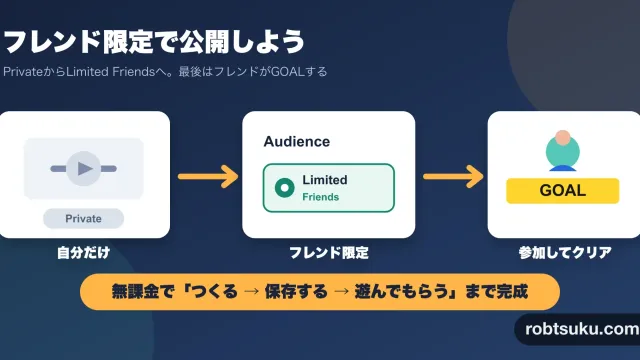
Change a completed Roblox game from Private to Limited > Friends, send its link directly, and verify that an eligible friend can reach the GOAL.
Read this lessonYou can prepare as you go
No prior Studio experience is required. The first lesson starts with the interface and gets you to Play and Stop in a few minutes.