How to Save Player Coins in Roblox Studio
Save each player’s Score with DataStoreService, then restore the collected coin total when that player joins a later session.
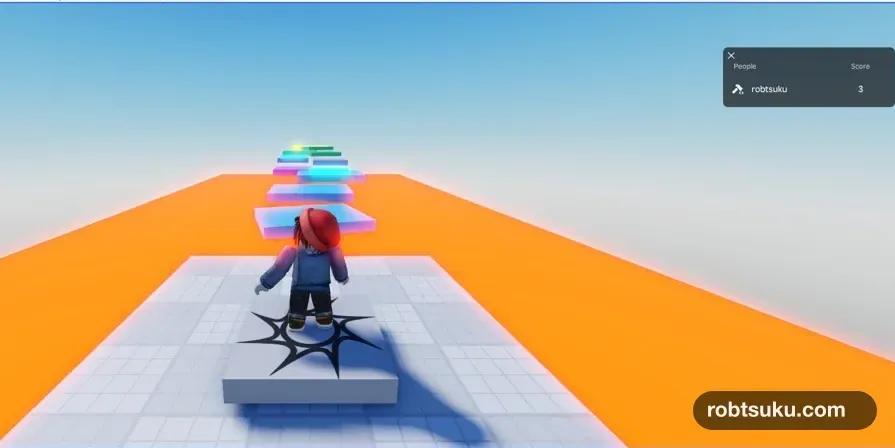
Keep a player’s coin total after they leave. When the same player starts a later session, the player list should show the previous Score = 3 before they touch another coin.
This takes about 12 minutes and costs no Robux. You do need a game that you own and have published to Roblox.
Start from Make Collectible Coins. The project should contain Leaderboard, CoinCollector, and three coins that change Score from 0 to 3. If the project exists only as a local file, publish it privately first.
Important: Do not test against a live production game
Studio and the live game can access the same data stores. Roblox recommends enabling Studio access on a separate test version rather than a game with real player data. Use a test game and the new store name
PlayerScore_v1for this lesson. See Roblox’s Studio access warning.
1. Allow Studio to use API services
Open the test game in Creator Dashboard. Go to Configure > Settings, find the API section, enable Enable Studio Access to API Services, and save the change.
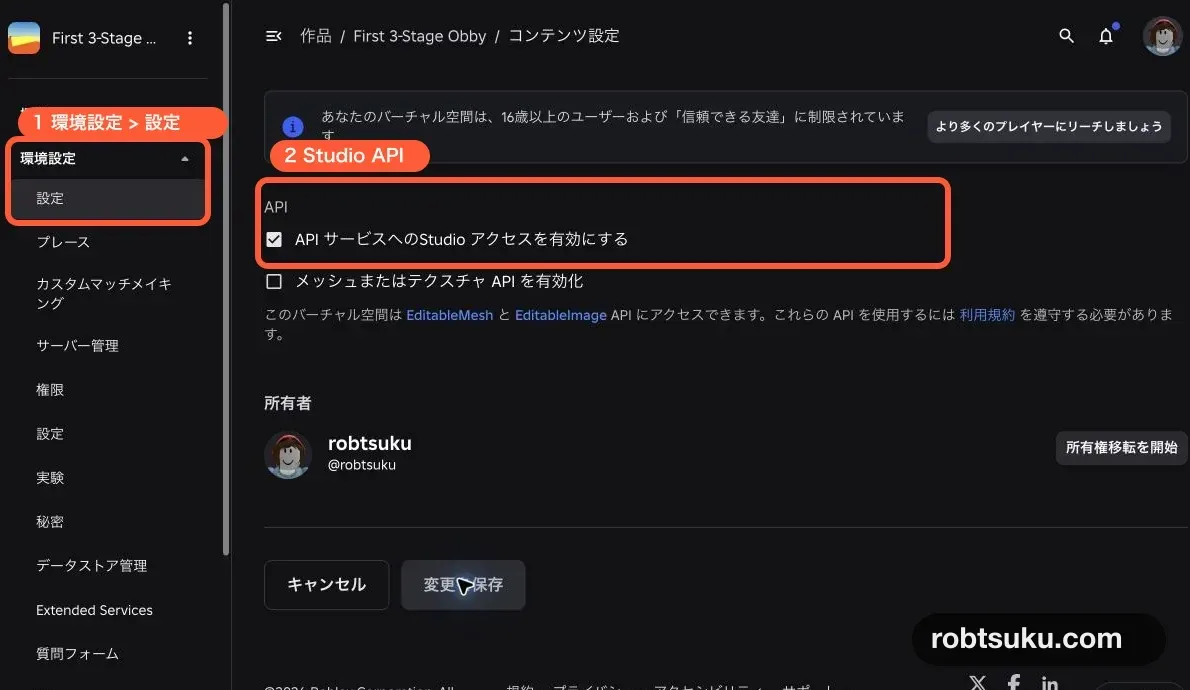
Figure guide: Marker 1 opens Configure > Settings. Marker 2 surrounds Enable Studio Access to API Services in the API section.
You can also open File > Experience Settings > Security in Studio and enable the same setting. Roblox’s Experience Settings reference lists it as the switch used for testing services such as data stores.
Tip: An API connects Studio to Roblox’s storage
A Data Store is not a file on your computer. It is persistent storage hosted by Roblox. The API setting lets a server Script in Studio communicate with that storage. Roblox must know which published game owns the data, so a local-only file is not enough.
Enable this setting only for the test game used by this guide. Once enabled, Studio Scripts can read and write the same stored data associated with that game. Keeping the test game separate prevents an experiment from overwriting a real player’s progress.
2. Add the SaveScore Script
Return to Studio. Add a normal Script to ServerScriptService and rename it SaveScore. Keep Leaderboard and CoinCollector, leaving all three Scripts together.
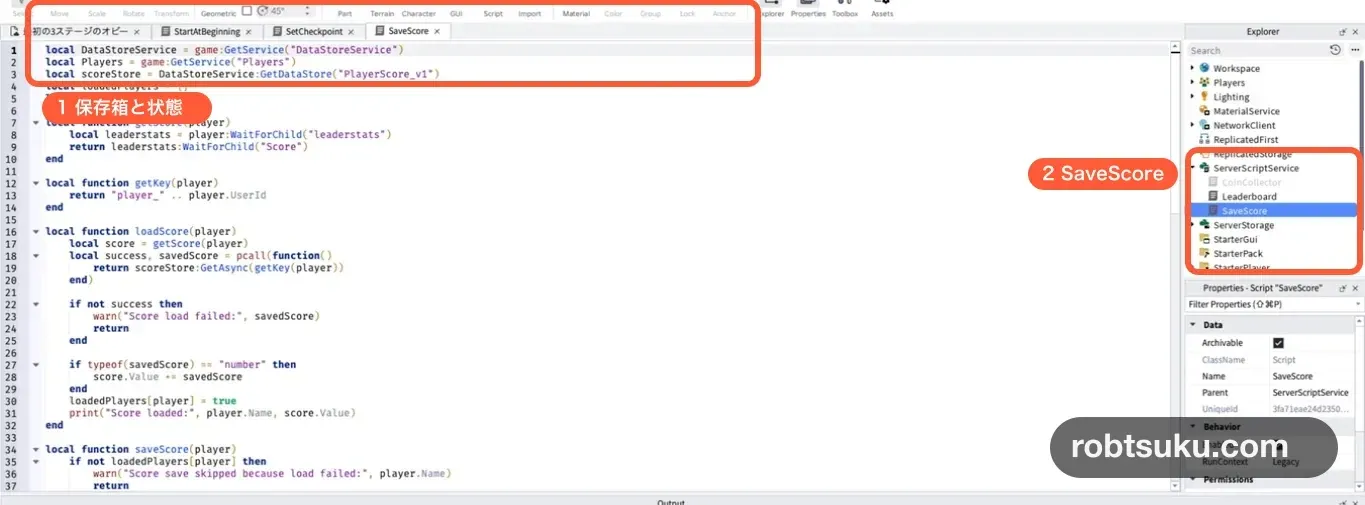
Delete the starter code in SaveScore, then paste this:
local DataStoreService = game:GetService("DataStoreService")
local Players = game:GetService("Players")
local scoreStore = DataStoreService:GetDataStore("PlayerScore_v1")
local loadedPlayers = {}
local savedPlayers = {}

local function getScore(player)
	local leaderstats = player:WaitForChild("leaderstats")
	return leaderstats:WaitForChild("Score")
end

local function getKey(player)
	return "player_" .. player.UserId
end

local function loadScore(player)
	local score = getScore(player)
	local success, savedScore = pcall(function()
		return scoreStore:GetAsync(getKey(player))
	end)

	if not success then
		warn("Score load failed:", savedScore)
		return
	end

	if typeof(savedScore) == "number" then
		score.Value += savedScore
	end
	loadedPlayers[player] = true
	print("Score loaded:", player.Name, score.Value)
end

local function saveScore(player)
	if not loadedPlayers[player] then
		warn("Score save skipped because load failed:", player.Name)
		return
	end
	if savedPlayers[player] then
		return
	end

	local score = getScore(player)
	local success, errorMessage = pcall(function()
		scoreStore:UpdateAsync(getKey(player), function()
			return score.Value
		end)
	end)

	if success then
		savedPlayers[player] = true
		print("Score saved:", player.Name, score.Value)
	else
		warn("Score save failed:", errorMessage)
	end
end

Players.PlayerAdded:Connect(loadScore)
Players.PlayerRemoving:Connect(saveScore)

game:BindToClose(function()
	for _, player in Players:GetPlayers() do
		saveScore(player)
	end
end)
3. Read one stored value per player
GetDataStore("PlayerScore_v1") selects the named storage container for this game. Changing the name later selects a different container, so keep it consistent between saving and loading.
Inside that store, each player has a key and a value:
key:   player_11328632018
value: 3
The key works like a locker number, and the value is what the locker contains. The Script builds the key from Player.UserId, a stable numeric account ID. A player can change their display name without changing which saved entry belongs to them.
PlayerScore_v1 is one shared store name. Ten players do not need ten stores; they use ten different player_... keys inside the same store. The v1 suffix also gives the first data format a clear version name if the project later needs a new structure.
GetAsync() reads a key when the player joins. Calls to remote storage can fail, so the Script wraps the request in pcall(). Roblox’s Data Store read documentation recommends handling these network failures.
Tip: pcall catches an API failure
pcall()lets the Script receivesuccess = falseand an error message instead of stopping on an unhandled error. This code warns and refuses to save later, which protects an unknown older value from being overwritten by a temporary 0.
When the stored value is a number, the Script adds it to the current Score. If the player collects a coin while the request is still waiting, that new point is not replaced by the loaded value. A first-time player has no stored number and remains at 0.
4. Save the current Score when the player leaves
Players.PlayerRemoving signals that a player is leaving. saveScore() calls UpdateAsync() for that player’s key and returns the current Score. Roblox documents UpdateAsync() for updates that may come from more than one server.
game:BindToClose() provides one final opportunity when the server shuts down, including when a Studio test stops. The savedPlayers table prevents the same successful session from writing twice if the leave and shutdown paths both reach the function.
The loadedPlayers guard handles a more important failure. If loading failed, the Script does not know whether the store already contains 0, 3, or another value. Skipping the save protects that unknown data. Coins collected during the failed session will not persist, but a known older save remains intact.
Do not save on every coin touch
CoinCollector should still update the in-memory Score immediately. This guide writes once when the player leaves instead of sending an API request for every coin.
Three touches may not look expensive, but a larger project could have hundreds of pickups and many players. Use the current Score for responsive gameplay and the Data Store for the value that must survive between sessions.
5. Verify save and restore with two Plays
Start the first Play. A successful initial read prints a line similar to:
Score loaded: robtsuku 0Collect all three coins so the player list shows Score 3, then press Stop. Check Output for the saved value.

Score saved: robtsuku 3Start a second Play. Do not move the character or touch a coin. Score should already be 3, and Output should show the loaded value.
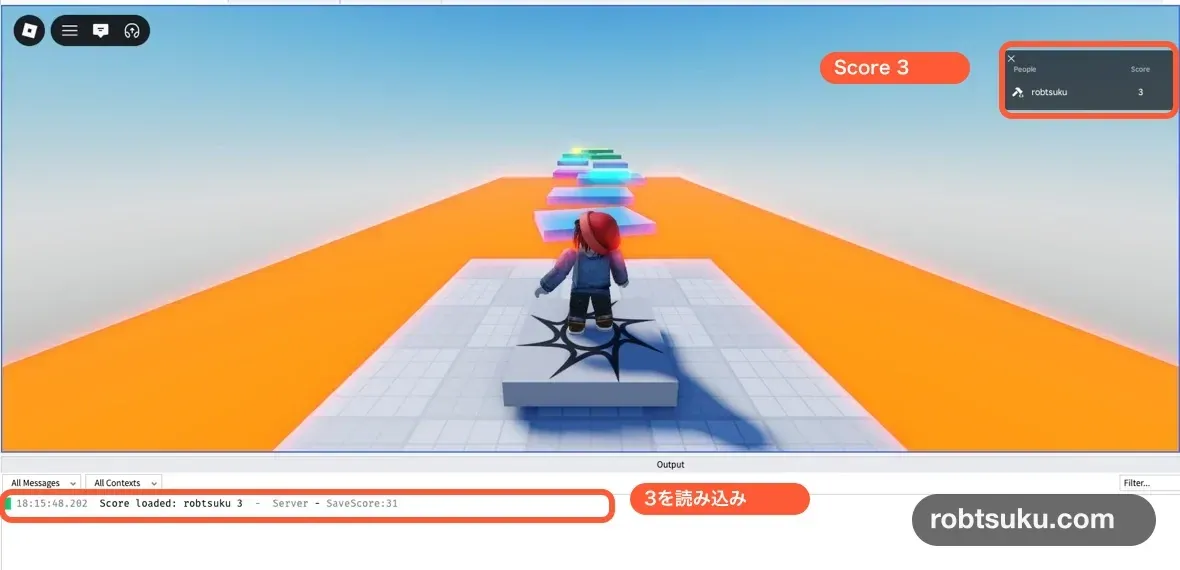
Score loaded: robtsuku 3The test is complete when all four states are visible:
- The first Play reaches Score 3 by collecting the coins.
- Stopping prints
Score savedwith 3. - The second Play starts at Score 3 before any coin touch.
- Output has no red Data Store error.
Looking before the character moves matters. If Score becomes 3 only after another coin contact, that does not prove that GetAsync() restored the previous session.
If the value is not saved
StudioAccessToApisNotAllowed: Enable Studio API access for the test game, save the setting, then start a new Play.- The setting is missing: Publish the game to Roblox and open it using the owner account.
- Every session starts at 0: Keep both
PlayerScore_v1and"player_" .. player.UserIdidentical in the load and save paths. - A LocalScript reports an error: Data stores are server-only;
SaveScoremust be a normal Script inServerScriptService. Score load failed: Do not treat the current 0 as valid saved data. Wait, then retry in a new Play.- Warnings repeat quickly: Stop cycling Play and Stop. Let one load, collection, and save sequence finish before the next test.
Completion check
- Studio API access is enabled only for a separate test game.
ServerScriptServicecontainsLeaderboard,CoinCollector, andSaveScore.- The first Play saves Score 3 on Stop.
- The second Play restores Score 3 before movement.
- A failed load skips saving instead of overwriting unknown data.
The player list displays the live Score, while the Data Store preserves it between sessions. Next, build a server-checked VIP door for Pass owners.
Official sources
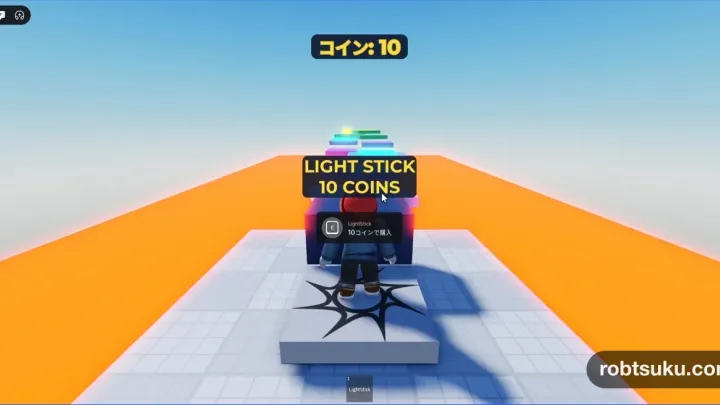
Display a Coin Counter in Roblox Studio
Build a ScreenGui and TextLabel that watches Score and updates immediately when a player collects, receives, or spends in-game coins.
Build this feature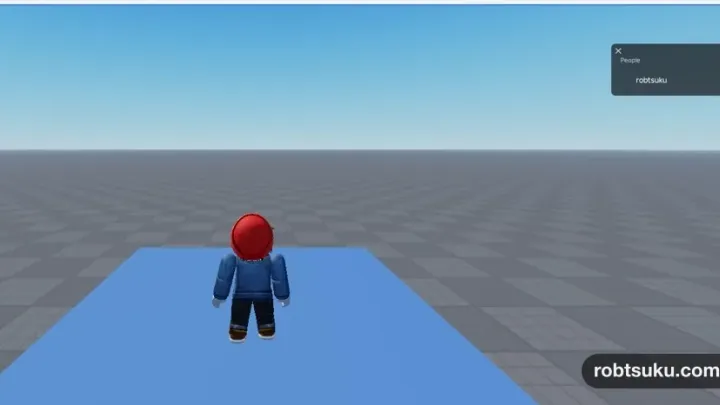
Make Collectible Coins in Roblox Studio
Build three yellow coins that disappear once when touched and increase the collecting player’s leaderboard Score from 0 to 3.
Build this feature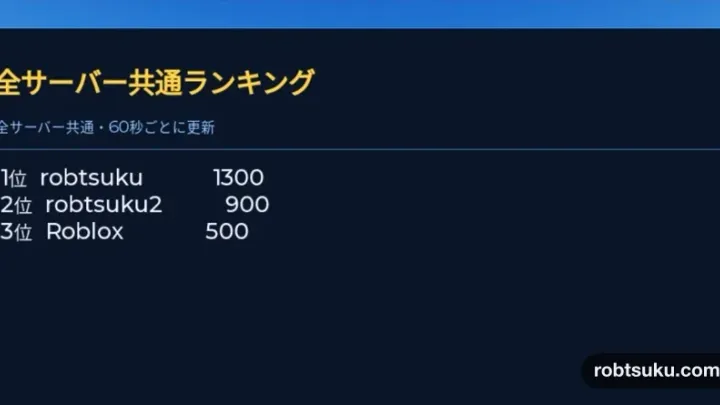
Build a Global Leaderboard in Roblox Studio
Save Score values in an Ordered Data Store and display the ten highest scores from every server on an in-game leaderboard.
Build this feature